Plans and schedules
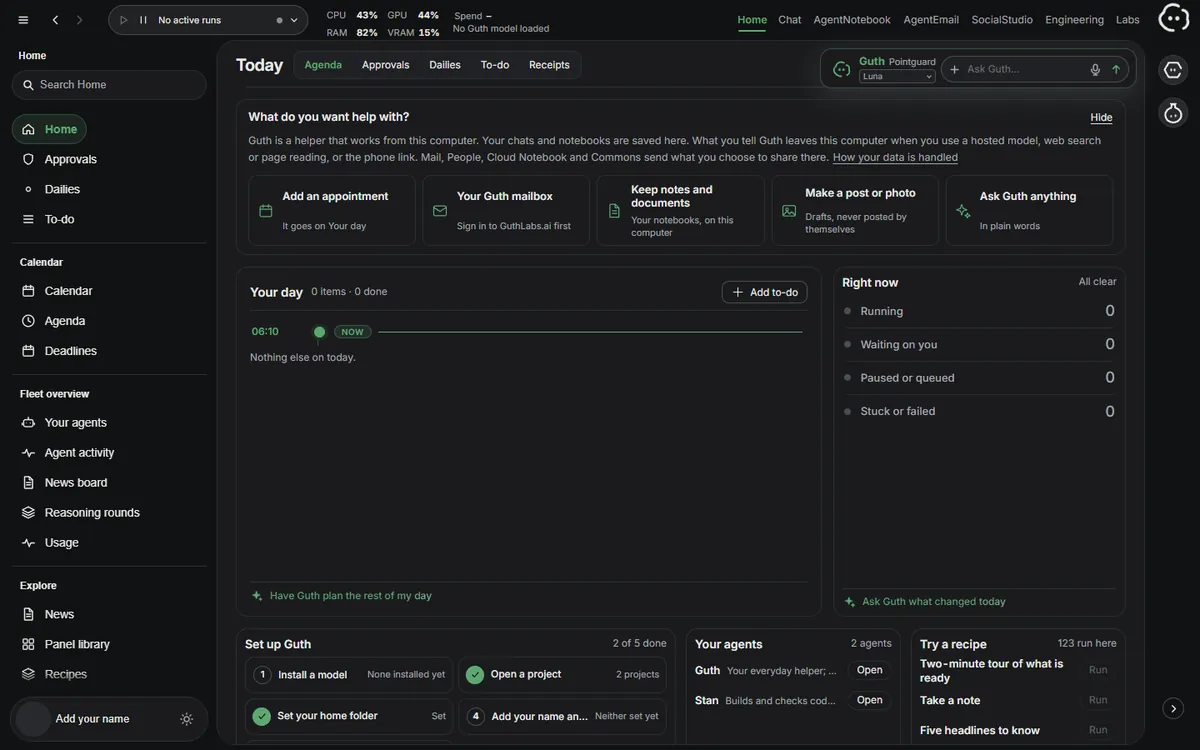
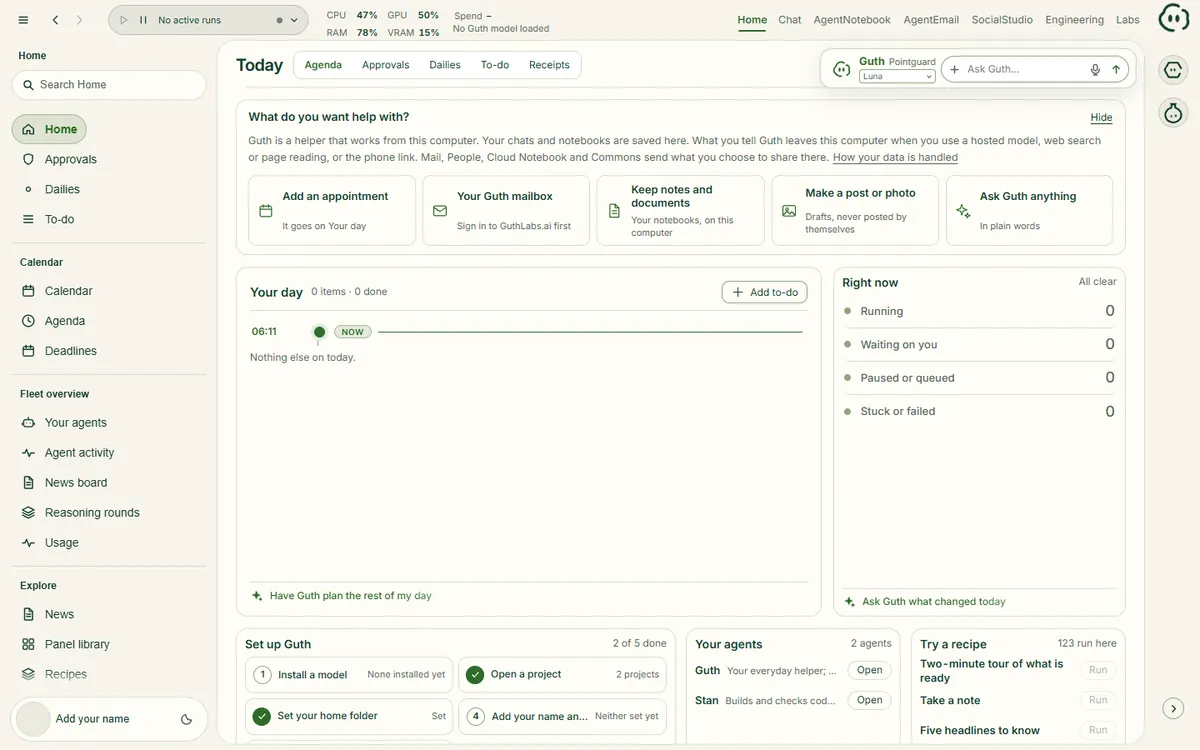
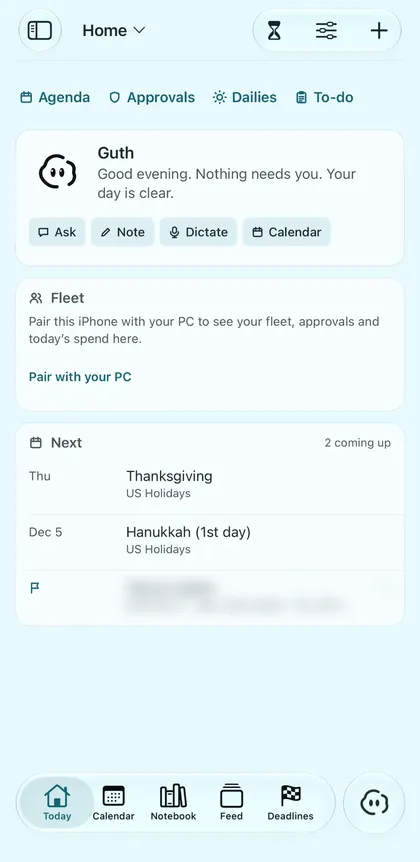
Your calendar, tasks and deadlines in one place. Guth can find time, set reminders and prepare what you need before a meeting.
Ask Guth for something and it does the steps: checks your calendar, reads your notes, does the research, drafts the message. It shows you what it is doing and asks before anything important.

 Guth for iPadComing
There is no iPad build yet. When there is, its real screen goes here.
Guth for AndroidComingThere is no Android build yet. When there is, its real screen goes here.
One assistant for everyday jobs. It uses the services you connect, and only those.
Your calendar, tasks and deadlines in one place. Guth can find time, set reminders and prepare what you need before a meeting.
Guth reads the notes, documents and sources you give it, and keeps the originals safe.
Ask a question and get an answer with its sources, so you can check where it came from.
Guth drafts replies and messages. Sending is your call: it asks first.
Build a new agent, give an old one structure, or find the agents you forgot you had. Guth gives them one identity, one memory, and a receipt for everything they do.
Guth looks through your computers and old Claude, Codex and project folders for agents and their notes, and brings them into AgentNotebook with structure. It only looks where you allow and asks before importing.
A new agent gets clean structure from day one.
Tidy an agent you already have, and keep its notes and history.
Some jobs take a while. Guth is built to keep working after you close the app, only on things you allowed, and to show you the result when it is done. Background work is part of the preview.
A check where Guth stops and asks you before doing something that matters, like sending, posting, buying or deleting. It shows what will happen first.
Guth asks before it sends, posts, buys or deletes anything. You see what will happen before you say yes.
Each agent has a written list of what it is allowed to do and which services it can use. If it is not on the list, it cannot do it.
A saved record of what an agent did, when, and which sources it used. You can look back and check.
Guth keeps a record of what it did, so you can check instead of guessing.
Work you make with Guth belongs to you. Originals are kept, and summaries never replace them.
Guth also runs in your browser. Sign in with your Guth account.
Your fleet, approvals and memory in your pocket. Guth makes Apple's on-device AI and the new iOS 27 features easy to understand and use. No date yet.
The desktop app runs on Windows, on the same account. macOS is coming.
Guth is the personal agent in a small fleet of five. It handles everyday work itself and brings in a specialist only when needed. All of them are built to work from one shared memory in AgentNotebook, so you do not have to explain yourself twice. Sync across devices is in development.
One memory, every app, every device. This is what we are building next.
Connect your computers and phones into one memory system, and use their combined power for your whole fleet.
Train and run AI models on your own PC graphics cards, Macs and even iPhones, working together.
Run chosen agents locally, so they stay on your devices, stay private and can work offline.
This is about your own devices. Letting your idle computer help the wider community is a separate, later idea: see Commons.